Animated GIFs in email: when the movement is worth the weight
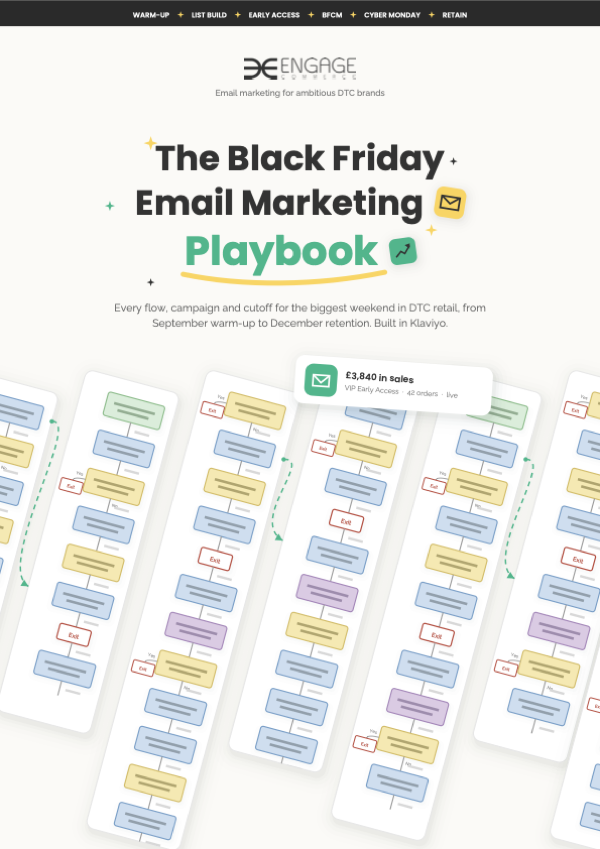
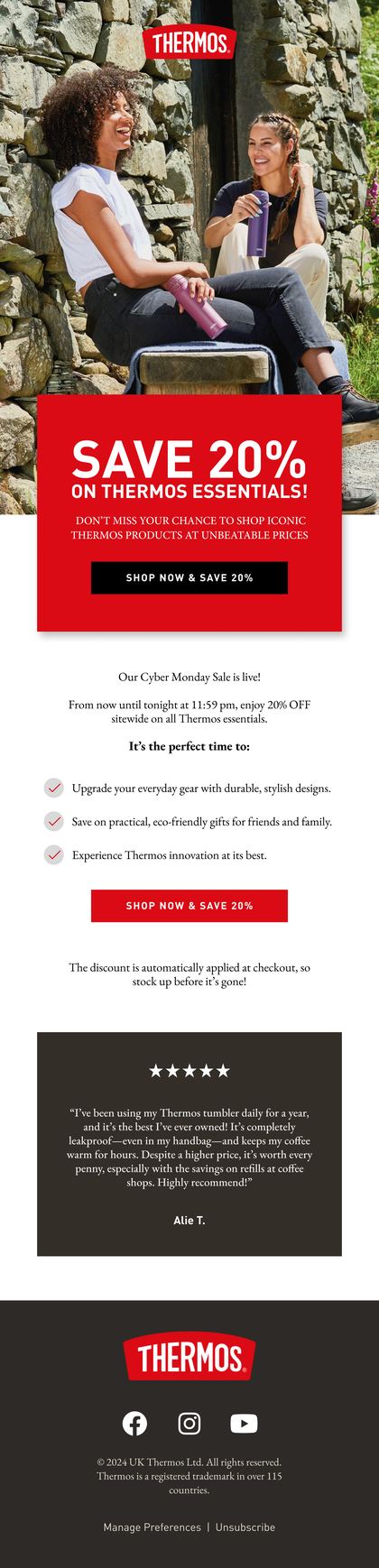
A moving picture that plays in most inboxes without anyone pressing play. Good for showing a product move, fold or change colour. Wasted on decoration.
- 050GIF (Graphics Interchange Format)
- Animated images used in emails to grab attention and increase engagement.
- Plays in
- Most inboxes, Gmail and Apple Mail included
- Stuck on frame one
- Some older Outlook versions on Windows
- Watch
- File size: every frame adds weight, and heavy files load slowly on mobile data
What a GIF can show that a photograph can't
Movement earns its place when it answers a question a still photo can't. How does it fold? What does the zip look like done up? Which colours does it come in? A few seconds of loop answers that faster than a paragraph.
- A product in use: a lid clicking shut, a jacket zipping up
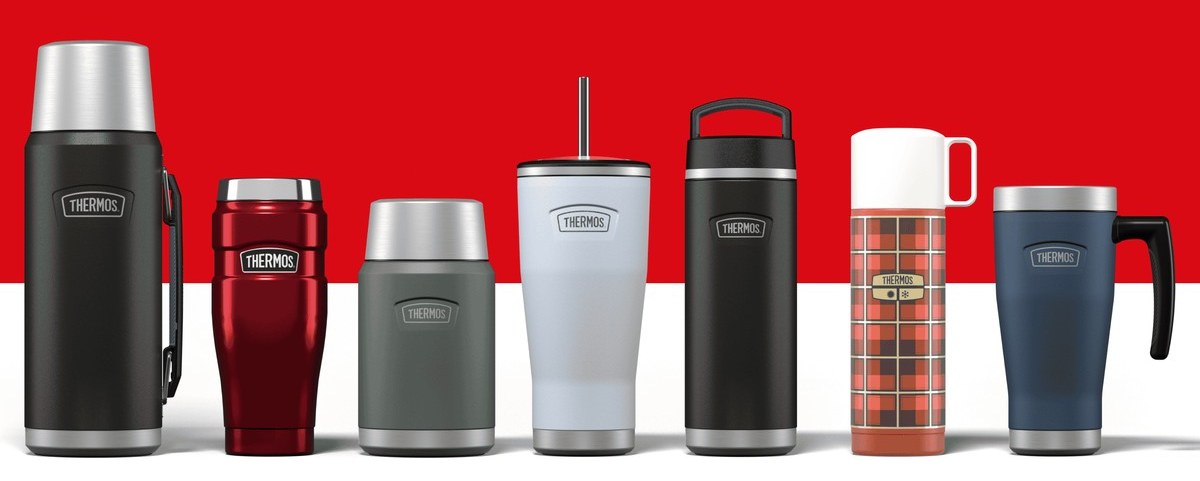
- Colourways cycling, one frame per colour
- A before and after, for anything that cleans, fixes or tidies
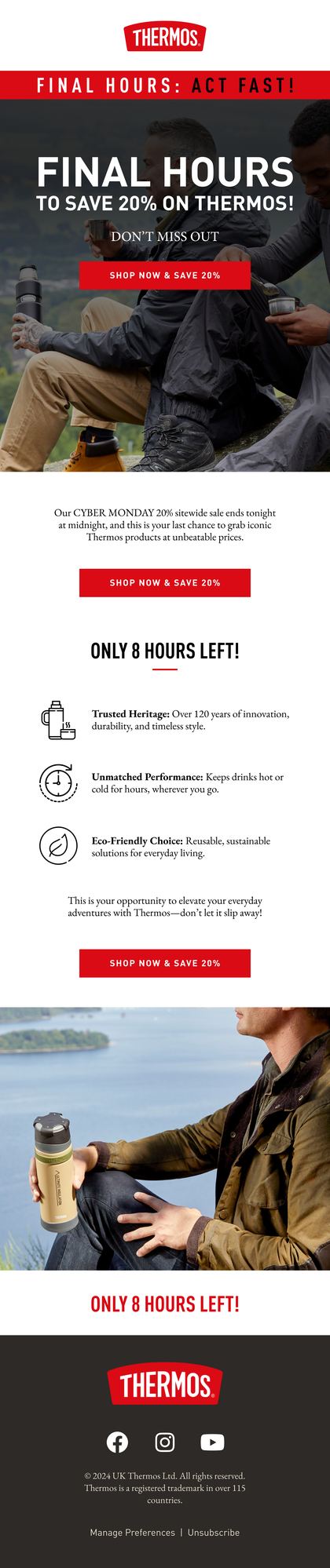
- A countdown timer, which is a GIF a third party tool draws fresh each time the email's opened
Frame one, file weight and the Outlook problem
Some older versions of Outlook on Windows only show the first frame. So frame one has to work on its own: the product, clearly, nothing caught mid-move. If your offer only appears in frame four, some of your readers never see it.
Then there's weight. Every frame is another picture, so a long loop at full width gets heavy fast, and a heavy file is a blank box on mobile data while it loads. Klaviyo compresses most images when you upload them, but not GIFs, so the weight's on you. Cut frames until it looks worse, then put one back.
When to leave the GIF out of the email
Sparkles, spinning logos, anything that moves because it can. Movement pulls the eye, so a decorative GIF drags attention away from the thing you want clicked.
Skip anything that flashes fast, too. Rapid flashing is an accessibility problem, and for people with photosensitive epilepsy it can be a health one. Keep the words in live text beside the GIF, give it alt text, and test it against a still image on clicks before it becomes a habit.
Related terms
FAQs
Do animated GIFs work in Outlook?
Mostly. Newer versions of Outlook play them. Some older versions on Windows show only the first frame and stop there. Design frame one so it works as a still image on its own, then send a test to an Outlook account before the campaign goes out.
How big should a GIF in an email be?
As small as it can be while still looking sharp. Keep it to the width of your email, use as few frames and colours as the movement needs, and keep the loop short. If it takes a moment to appear on your phone over mobile data, it's too heavy.
Do GIFs hurt email deliverability?
Not because they move. To a mailbox provider a GIF is an image like any other. The trouble starts when the GIF is the whole email: one big image with hardly any text around it. Keep your message in live text and let the GIF be one part of it.
Rather we explained it on your own account?
Bring your Klaviyo account to a growth consultation. We'll walk through what this means for your numbers, in plain English, and what we'd fix first.


Half an hour with Theo, our founder.
We're all about relationships built on trust, mutual respect and a shared vision for success. If that sounds like your vibe, let's make some waves together 🌊