A site search flow that answers what your search box could not
Somebody searched your store, found nothing worth clicking and left. This is the sequence that follows them.








One search, five checks and three emails
The trigger, every delay, every decision and every way out.
Somebody uses the search box
It fires when a shopper searches your store and goes no further. We keep the phrase on the profile: every send after this is built out of it.
Has a browse campaign reached them in the last seven days?
Has an order been placed in the last three hours?
The support email
Subject line · Searching for {keyword}?
It asks whether they found what they were after, instead of selling at them. The bestsellers behind that search term sit underneath.

Has an order been placed in the last day?
The wider shelf
Subject line · We have {keyword} and more?
Same intent, more of the range. If the first email didn't hold what they wanted, this one widens the aisle around it.
Has an order been placed in the last two days?
Has anything in this flow been opened?
The quiet nudge
Subject line · Take another look...
Only for the people who opened something earlier. No new argument, one link, straight back to what they were looking for.
The profile leaves the flow
An order, a browse email that got there first, or the third send. Whichever one it is, this is where it stops.
The delays above are starting points. We tune them to your buying cycle in the first month, the keyword tag pulls the shopper's own phrase in at send time, and every line gets rewritten in your voice.
Three answers, shown whole
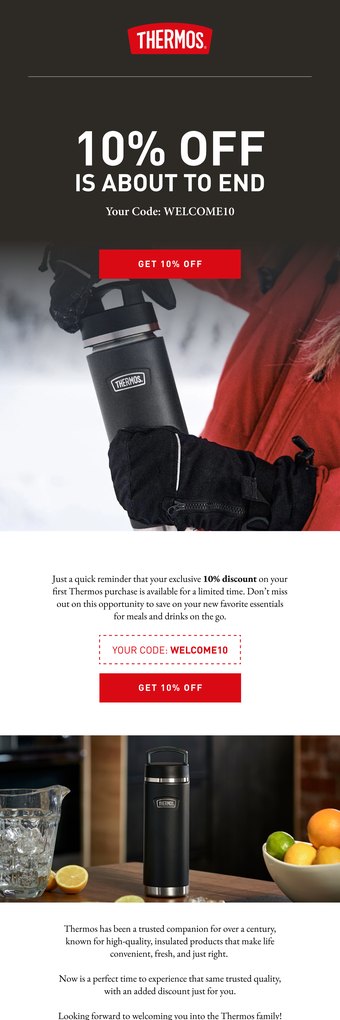
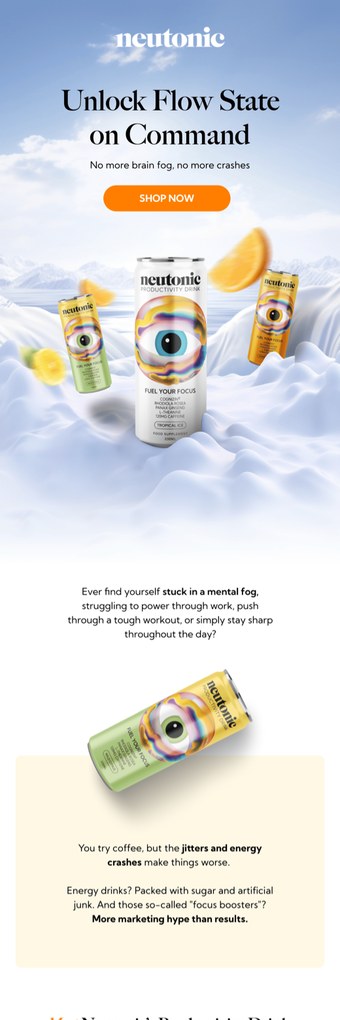
What an answer looks like when it lands
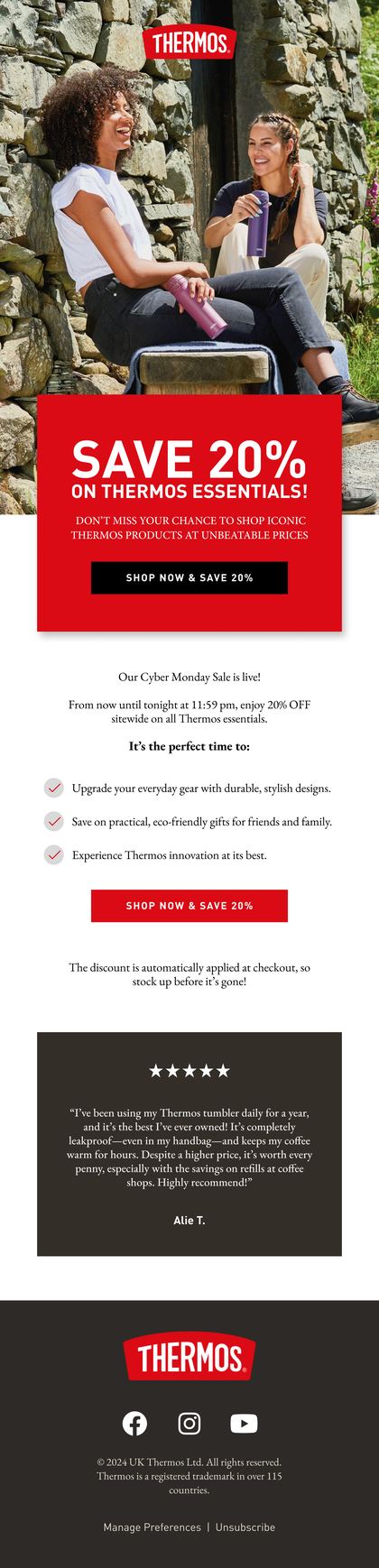
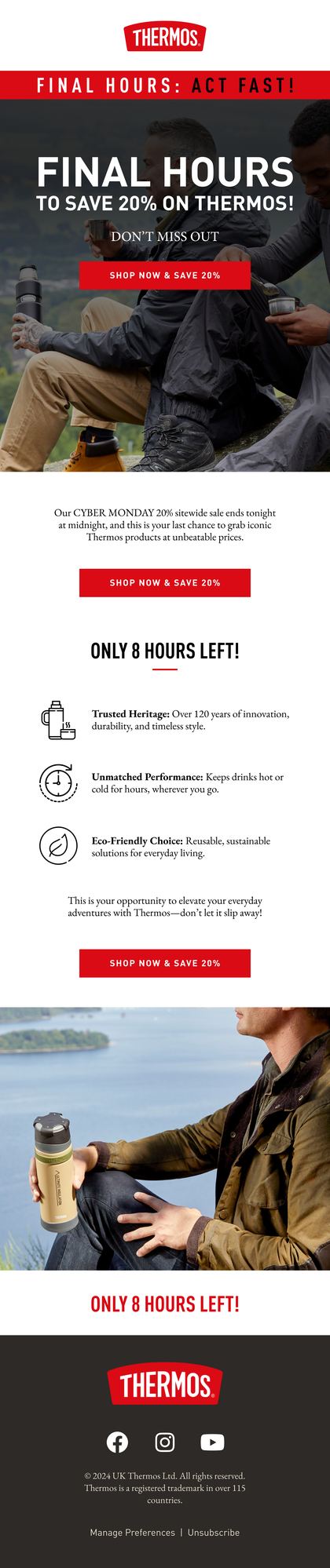
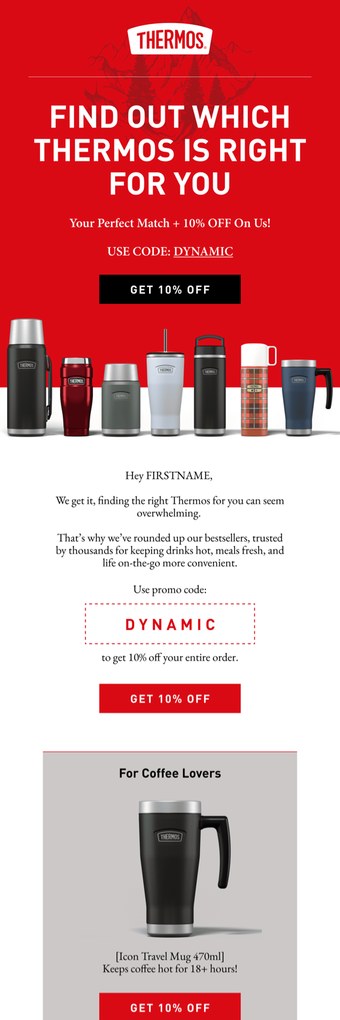
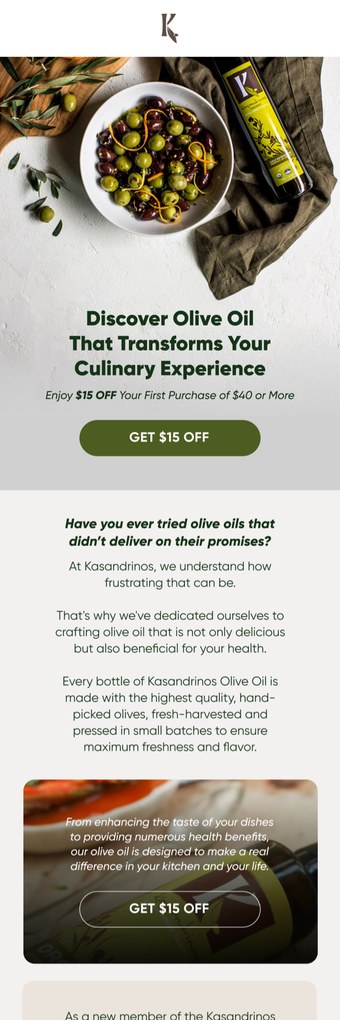
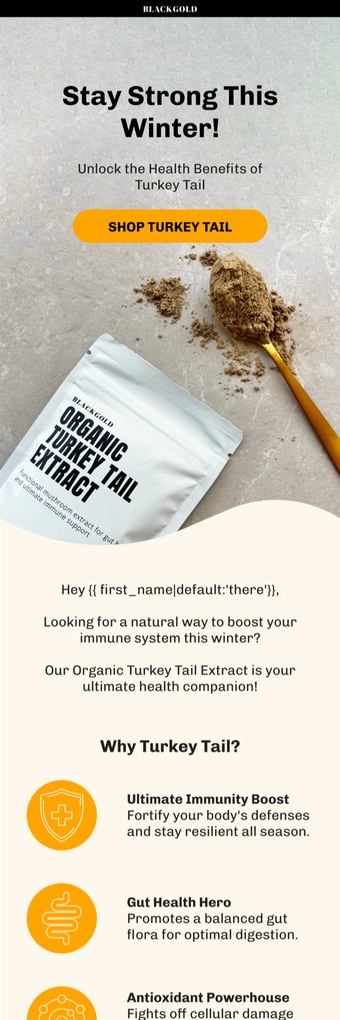
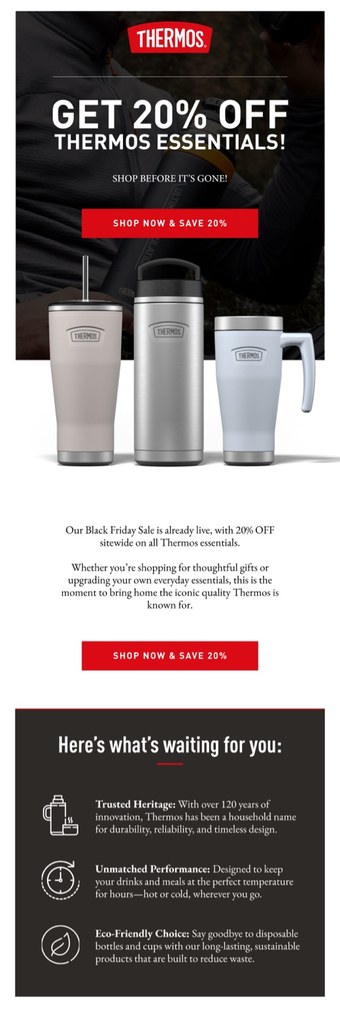
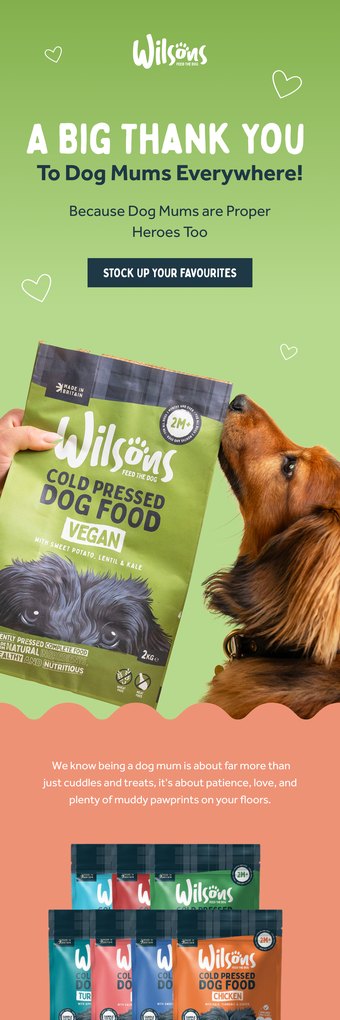
One brings back the exact item somebody was weighing up, pulled in dynamically. One opens the range around it, because a first choice is often close but not right. One goes straight at the thing the search was really for.
See all the work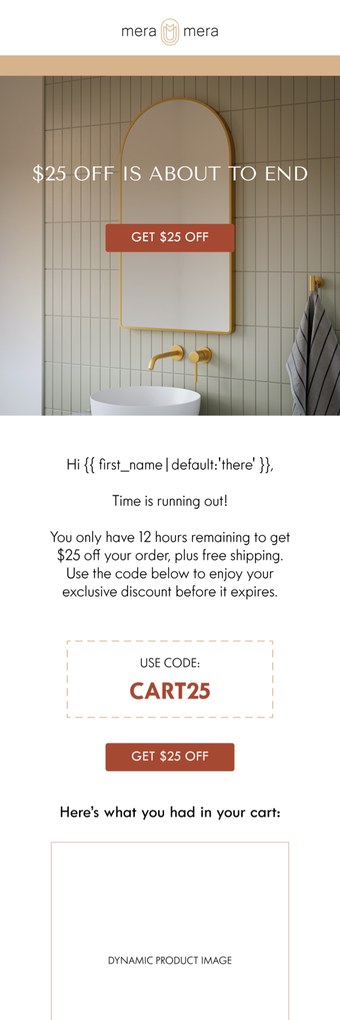


What an unanswered search costs you
Three things that happen even on stores with the rest of the stack built right.
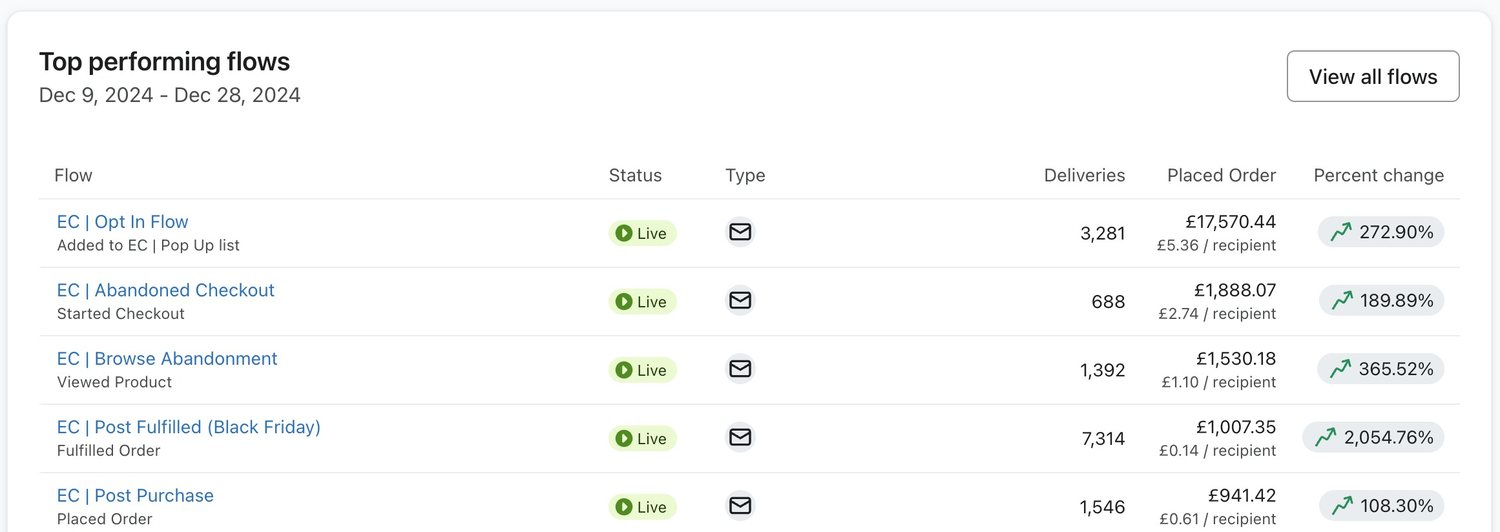
Look at a good account. An opt in, a checkout, a browse and a post purchase flow, all earning their keep. Not one of them reads the search box.
So the phrase somebody typed is the one signal your automation never acts on. No campaign report is going to raise it either.
The plainest signal you get, unanswered
A search is a shopper telling you, in their own words, what they came for. Most stores record the phrase and never use it.
The search that comes back with nothing
An empty result usually ends the visit. Nobody on your side hears about it, and the same phrase gets typed again next week.
Three flows, one shopper, one week
With no browse campaign check in front of it, this lands on top of the category and browse emails. That's how an account teaches people to unsubscribe.
Timing gets tested before wording does
We test the first delay first: on this flow the hours decide more than the sentences do. Then the product block under the support copy. Then whether the third send earns its place at all. Each one gets called on orders, not opens.
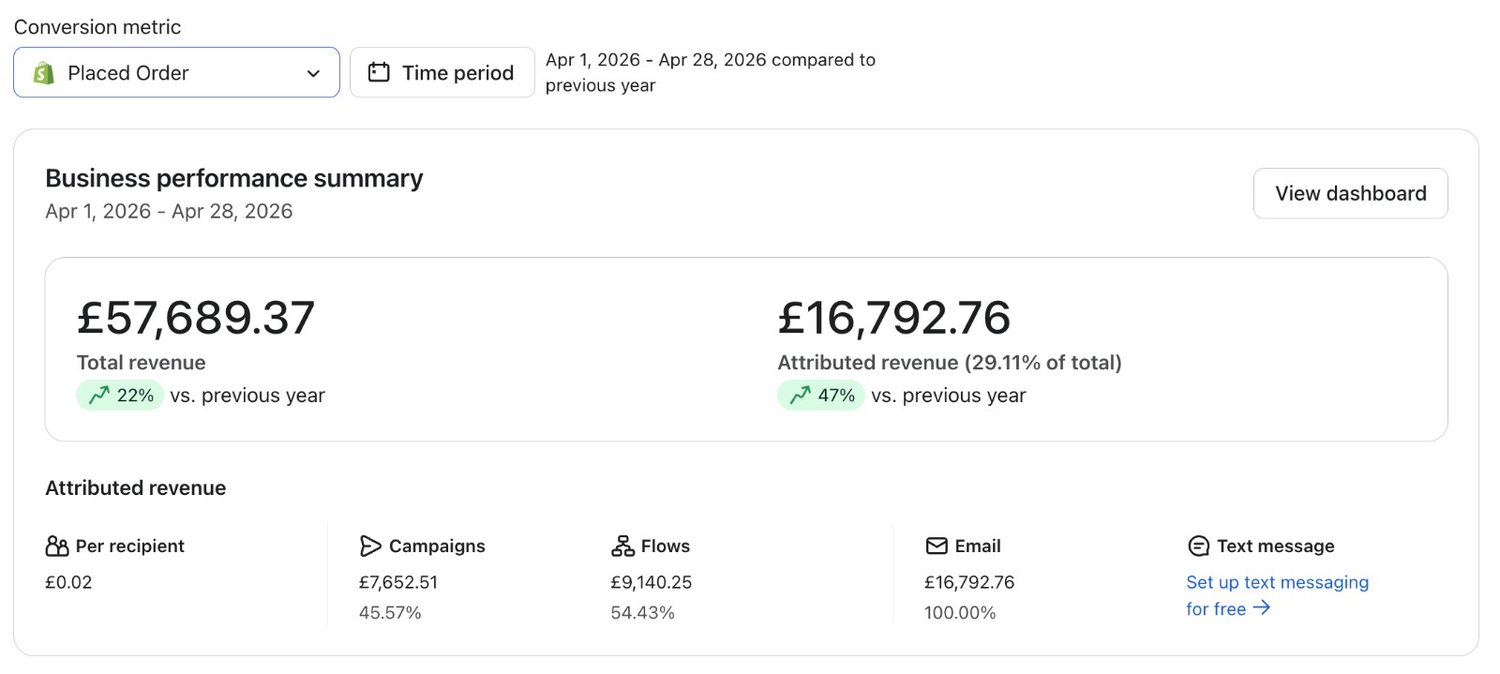
Retention programmes we built, flow by flow
Three published programmes that report revenue flow by flow, not as one headline.

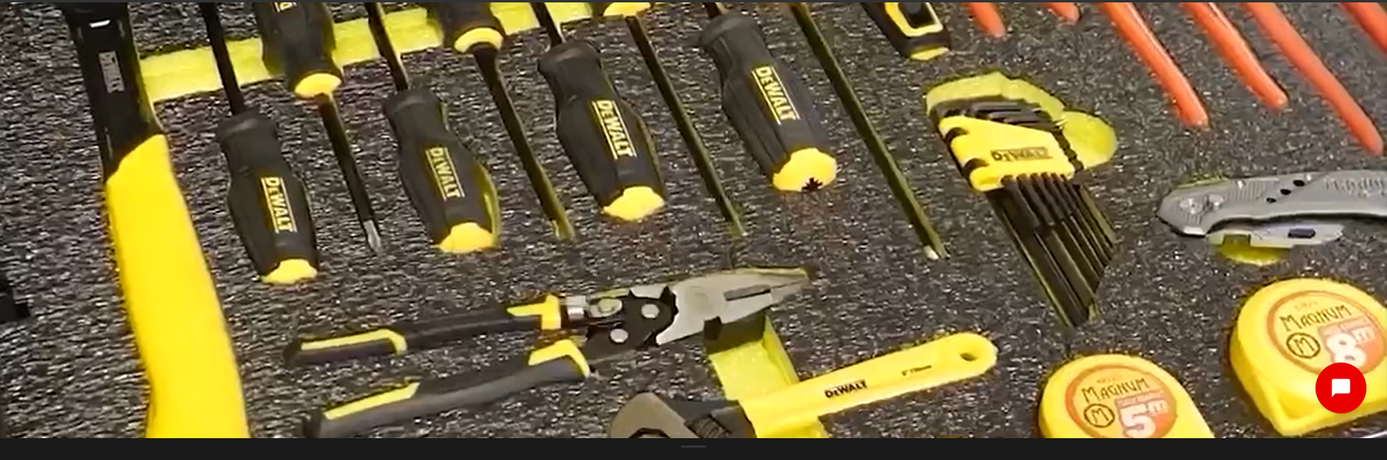

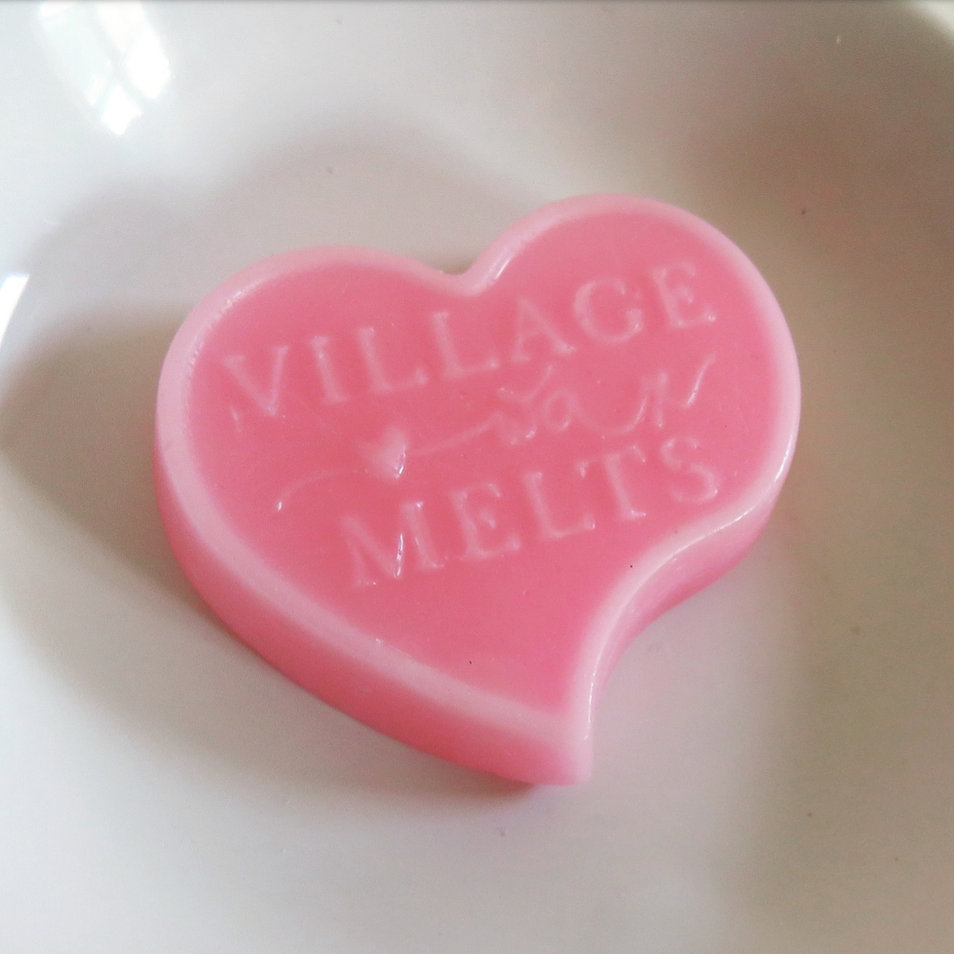

What we hold this flow to
Three numbers in your own account, read against the flow's own history. Not against somebody else's benchmark.
- Placed order rate on the people it reaches
- Revenue per recipient, send by send
- The share of searches that come back empty
FAQs

What is a site search flow?
A site search flow is an automated email sequence that fires when somebody uses the search box on your store and then leaves without buying. Ours waits three hours, checks nothing else has already reached them, then sends up to three emails built around the phrase they typed. It's the plainest intent signal a store gets. They've told you what they came for, in their own words.
How long should you wait before the first site search email?
Three hours in the build we run. Long enough for the session to finish and any order to land, short enough that the search still belongs to today. Considered purchases can carry a longer delay and impulse categories a shorter one, so we move it against your own buying cycle.
Should the search term go in the subject line?
Yes, and that's most of what makes it work. The subject line is assembled out of the phrase the shopper typed, so the send reads as help instead of a promotion. Two rules keep it safe: normalise the casing so it doesn't shout, and suppress anything misspelled, rude, or long enough to break the line.
How do you stop a site search flow overlapping your other emails?
The first decision asks whether a browse campaign has reached that profile in the last seven days, and exits if it has. After that, every send sits behind its own order check. Suppression gets set once at account level too, so search, category browse and cart recovery never stack on one shopper in a week.
What should happen when the search returns nothing?
Send something different. A search with no results wants an offer of help and a route to a person, not a grid of products that already failed to match. We read those terms back into merchandising every month: an empty result is usually a stock or synonym problem, not an email problem.
Is a site search flow allowed under UK GDPR and PECR?
Yes, for profiles that opted in themselves, or existing customers being shown similar products under soft opt-in. Somebody who searched without leaving an email address is never in it: the flow can only reach a profile you already hold consent for. Consent source and timestamp sit on the profile, and every send carries a one-click unsubscribe.
Where this flow is written down
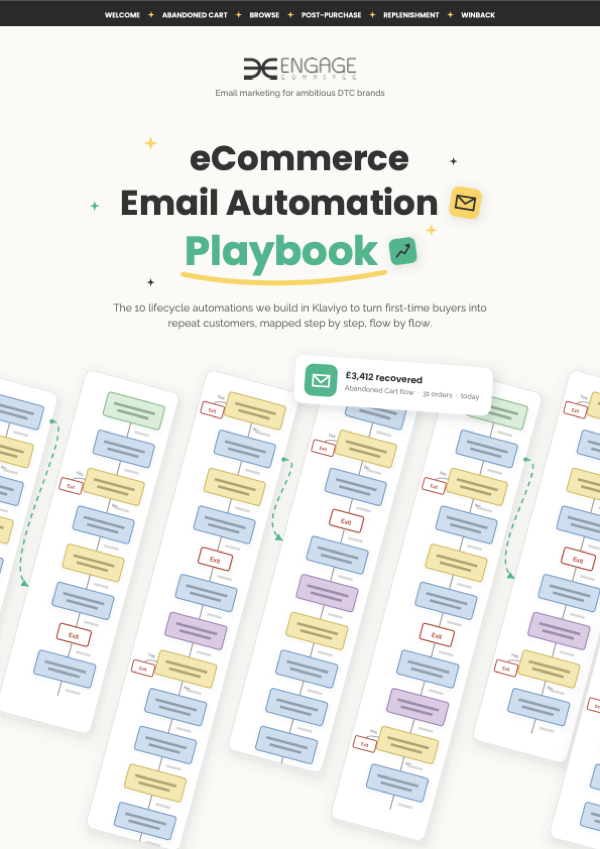
The eCommerce Email Automation Playbook
Every evergreen automation drawn as a decision tree, trigger to last exit.
The other fourteen flows, and the hub they live in
Each page takes one automation and draws it out. The real trigger, the real delays, and the checks that decide who stops hearing from you.
- WelcomeThe first sequence after signup
- Category browseBrowsed a category, opened nothing
- Browse abandonmentViewed a product, then left
- Back in stockThe moment the stock lands
- Price dropOnly the people already watching
- Abandoned cartBasic and advanced, on one page
- Checkout abandonmentStopped at the payment step
- BirthdayOne date, given on purpose
- Post purchaseThe first order welcome
- ReplenishmentTimed to the reorder window
- Cross sellThe second product, not the same one
- VIPYour best customers, kept close
- WinbackThe dormant shopper, before sunset
- SunsetThe profiles that stopped reading
- The flow libraryAll fourteen, in one place
They all run inside email marketing, and the whole stack is drawn out in the Automation Playbook. The quickest way to find the ones your account is missing is a growth consultation.
Where is your revenue leaking?
Up to four questions. One answer: what we'd fix first, and where to start on it.
How big is the brand?
Want to know what your search box is doing?
Bring your Klaviyo login and your site search report to your growth consultation. We'll tell you whether the phrases people type are being answered, ignored, or already covered by something else.


Half an hour with Theo, our founder.
We're all about relationships built on trust, mutual respect and a shared vision for success. If that sounds like your vibe, let's make some waves together 🌊