The category browse flow we build for the shopper who browsed and left
Somebody opened one of your collections and clicked nothing in it. Here's what we send next.





Two hours, three sends, and five checks on the way through
Every delay, guard and split below is drawn in our Automation Playbook. Nothing here was made up for the page.
A category page viewed, and no product opened
It fires on a collection view that ends without a product click. So the category is all it knows, and that's what every email answers with.
Has a browse campaign gone out in the last seven days?
Has an order been placed in the last two hours?
Back to the collection they were in
Subject line · Shop {category_title} now.
The category name leads, pulled straight off the page they left. No offer: nobody's told you yet that price was the problem.
Has an order been placed in the last two days?
The same category, and what has changed in it
Subject line · View the latest {category_title} selection.
Two days on, the same collection comes back as new arrivals and best sellers. A reminder can't do the same job twice, so this one brings different stock.
Has an order been placed in the last day?
Has either of the first two emails been opened?
The short last look
Subject line · Did you see these items?
Only people still opening get a third. It's short, it shows the items closest to what they were looking at, and there's no discount in it.

The profile leaves the flow
An order at any check ends it. So does silence at the open check. From there the campaign calendar takes over, not a fourth browse email.
Collections, sent back as emails people open
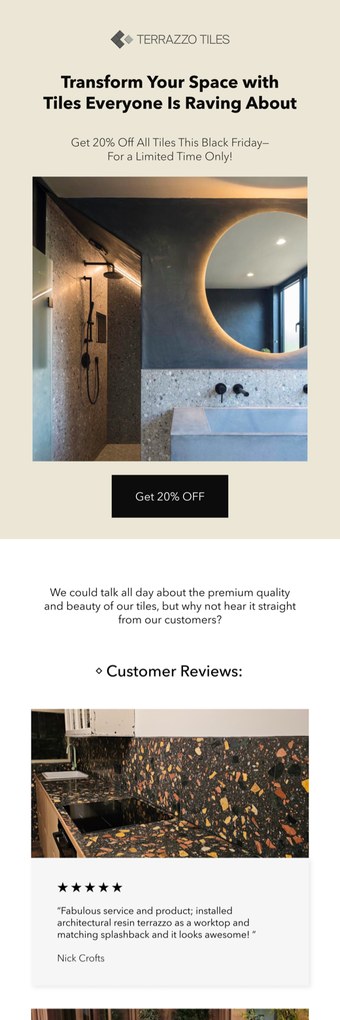
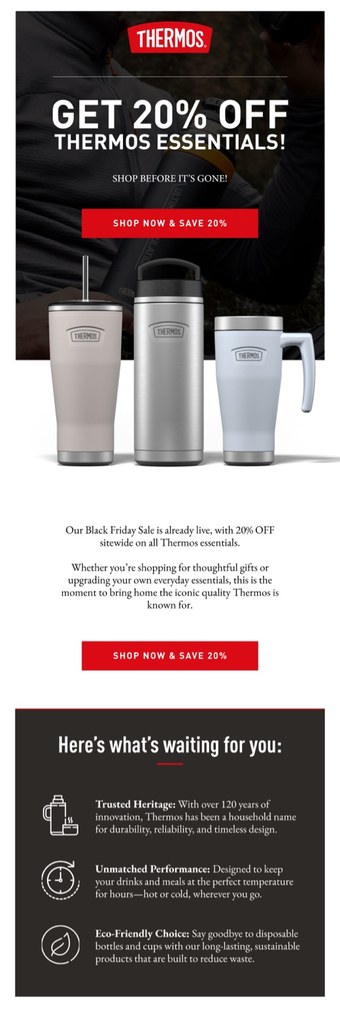
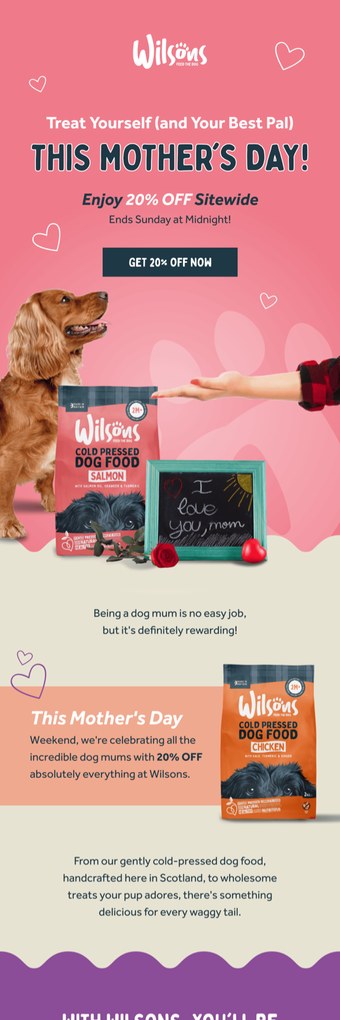
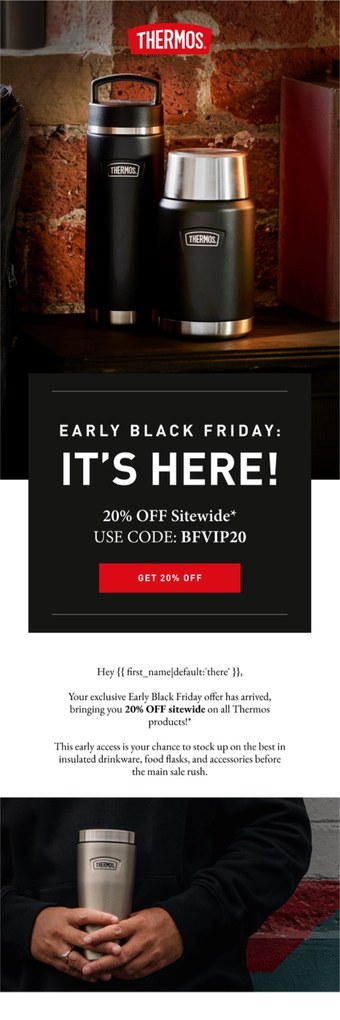
Client sends that lead on a range, not on one product. That's the job every email in this flow has.
What an unbuilt category browse flow quietly costs
One real account, and three things its campaign report will never show you.
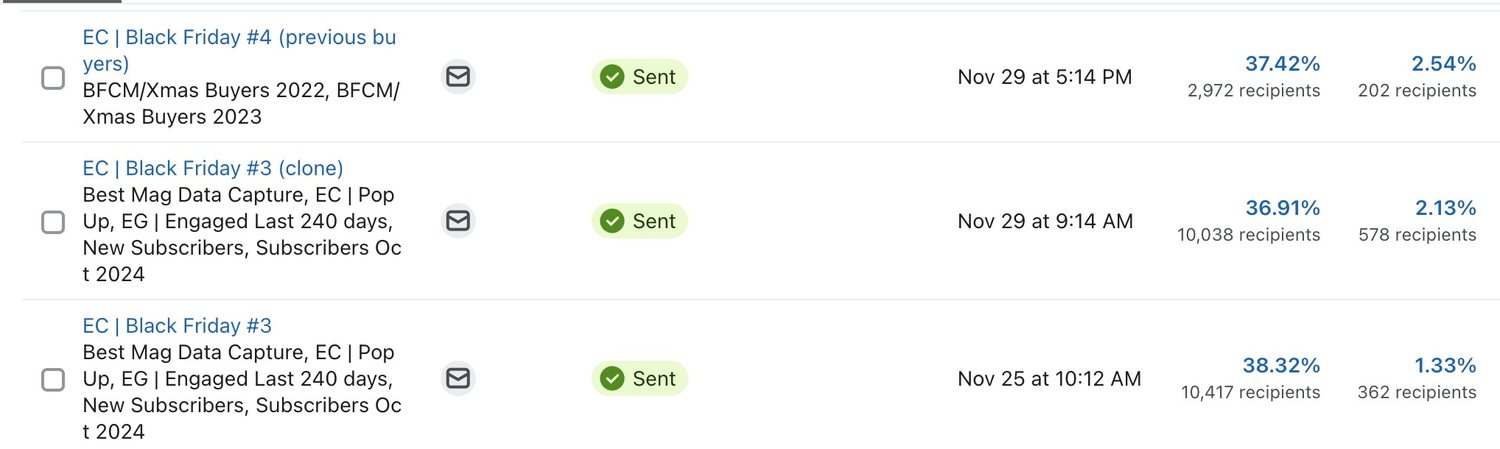
Here's the awkward bit. Every send in that account went to a segment. Each one is a browse email somebody may already be holding. That's why this flow opens on a frequency check, not on a subject line.
A narrowed shopper, read as nobody
Somebody who opens a collection has already cut your catalogue down for you. Nothing behind it, and that signal just expires.
The whole catalogue, sent back as an answer
A broadcast answers one specific question with everything you sell. The shopper who was standing in one collection has to find it again from scratch.
Browse emails landing on top of browse emails
Run the browse flows with no frequency rule, and one busy week hands the same person three near identical sends.
The tests we run, and which comes first
Three, in order. The two hour delay against your own browse to purchase window, whether email one leads on the category name or on what's new inside it, and whether email three earns its place at all. We settle each one on orders, not opens.
Three accounts with the browse flows built in
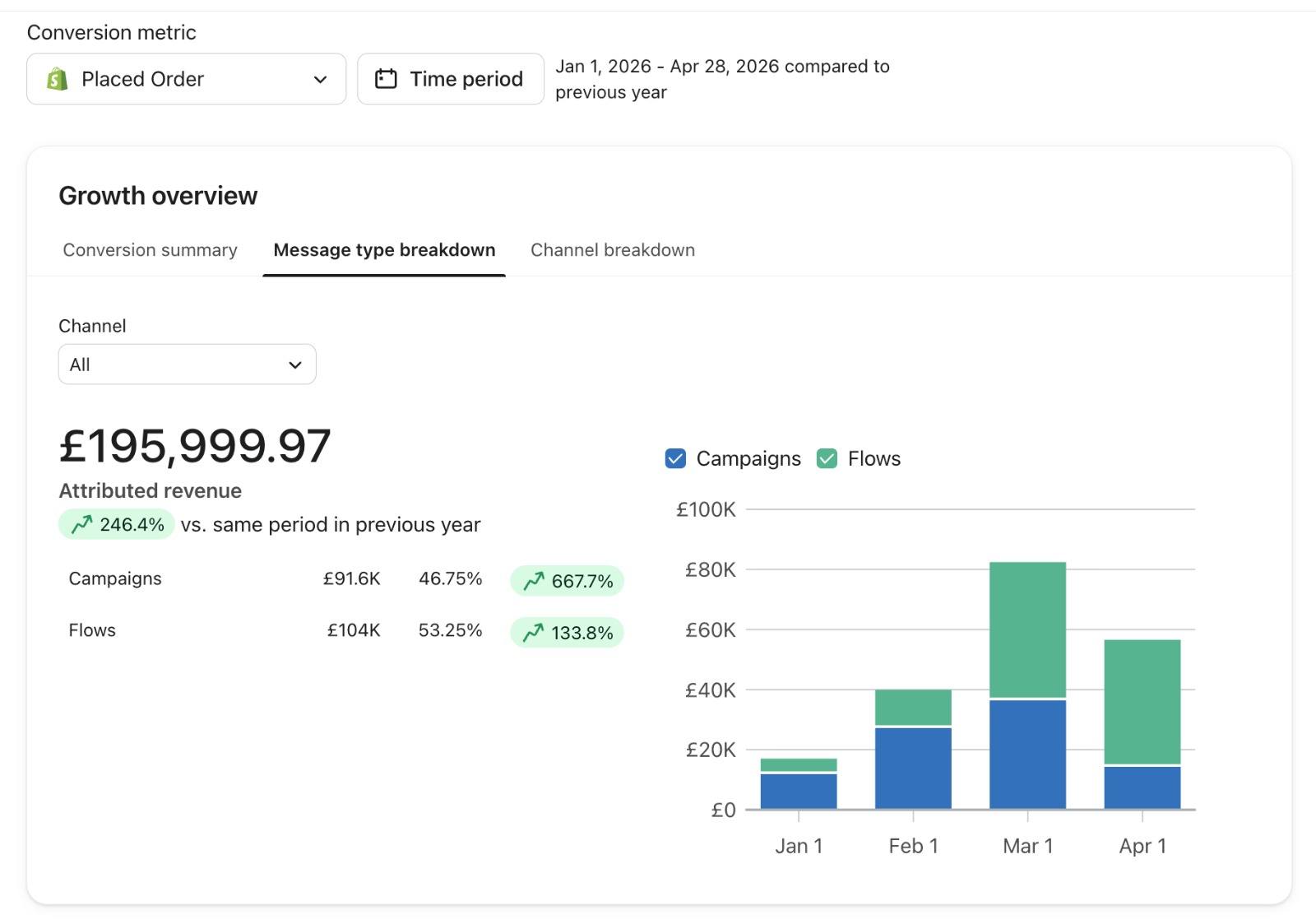
Each one written up with its own figures, over its own period.


FAQs
What is a category browse flow?
A category browse flow is an automated email sequence that fires when somebody views a category page on your store and leaves without opening a product. Ours waits two hours, then sends up to three emails across three days, each one built around that collection instead of your whole catalogue. Mid funnel, between the site search flow and product browse abandonment.
How is a category browse flow different from browse abandonment?
Browse abandonment triggers on a product view, so it can name the item somebody looked at. A category browse flow fires one step earlier: a collection view, no product click. The category is the most specific thing it knows, so the emails lead on that and on what's new inside it. Never on a product nobody chose.
How long should the delay be before the first email?
Two hours is our documented starting point. Long enough that you're not emailing somebody who stepped away for ten minutes and is about to come back. Short enough that the collection is still on their mind. A long consideration cycle? We stretch it, and we read your own browse to purchase window before we pick a number.
Why check for a browse campaign in the last seven days?
Because one shopper can trip more than one browse flow in a week. Nobody wants three near identical emails from the same store. The first check exits anybody who has already had a browse send in the past seven days, so the flows queue instead of stacking. It's one of the first things we look for when we audit a browse setup.
Should a category browse email include a discount?
Usually not. Somebody browsing a collection hasn't told you price is the objection, and discounting this early teaches a list to browse and wait. Our documented build carries no offer in any of the three sends. If a code earns its place, we'd test it on the third one, where the audience has narrowed to the people still opening.
How do you know whether the category browse flow is working?
Placed order rate and revenue per recipient for the flow itself, read against its own history and not against somebody else's benchmark. We also watch how many profiles leave at the seven day check. A big share going out there means your browse flows are competing, and the frequency rules get fixed before anybody rewrites a subject line.
The book this diagram was drawn out of
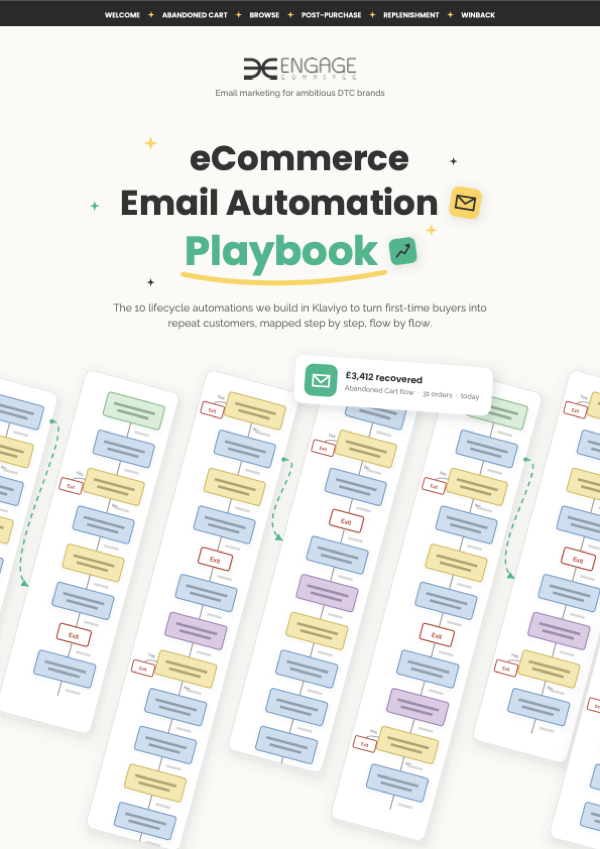
The eCommerce Email Automation Playbook
Twelve pages of decision trees, one per evergreen automation, each with its trigger, delays, splits and exits drawn out.
Fourteen sibling flows, and the library page they sit on
Each one drawn the same way: the trigger that fires it, the delays, and the checks that decide who hears from you.
- WelcomeThe first sequence after signup
- Site searchSearched, then went no further
- Browse abandonmentViewed a product, then left
- Back in stockThe moment the stock lands
- Price dropOnly the people already watching
- Abandoned cartBasic and advanced, on one page
- Checkout abandonmentStopped at the payment step
- BirthdayOne date, given on purpose
- Post purchaseThe first order welcome
- ReplenishmentTimed to the reorder window
- Cross sellThe second product, not the same one
- VIPYour best customers, kept close
- WinbackThe dormant shopper, before sunset
- SunsetThe profiles that stopped reading
- The flow libraryAll fourteen, in one place
The whole stack is drawn out in the Automation Playbook. These flows all run inside email marketing, and lifecycle strategy is the map that decides which one owns which moment.
Where is your revenue leaking?
Up to four questions. One answer: what we'd fix first, and where to start on it.
How big is the brand?
Want this flow reading your collections?
Bring your Klaviyo login to your growth consultation. We'll look at what your browse flows do today, and tell you whether the category one even exists. If it does, we'll say so.


Half an hour with Theo, our founder.
We're all about relationships built on trust, mutual respect and a shared vision for success. If that sounds like your vibe, let's make some waves together 🌊