Preview text: the line under your subject, and how to stop wasting it
The short line an inbox shows after your subject. Write it on purpose, or the inbox fills the space with whatever text comes first in your email.
- 037Email Preview Text
- Also known as preheader text; the snippet of text that follows the subject line in the inbox, offering a preview of the email content.
- Also called
- Preheader text, or just the preheader
- Set in
- The preview text field on every Klaviyo campaign and flow email
- Left blank
- The inbox borrows the first line of text in your email
- Judge it by
- Clicks from the send, since opens are inflated
Where the inbox finds a preview when you haven't written one
Every inbox wants something to show under the subject. If you've set preview text, it shows that. If you haven't, it takes the first line of text it can find in the email, and Klaviyo's help centre says exactly that.
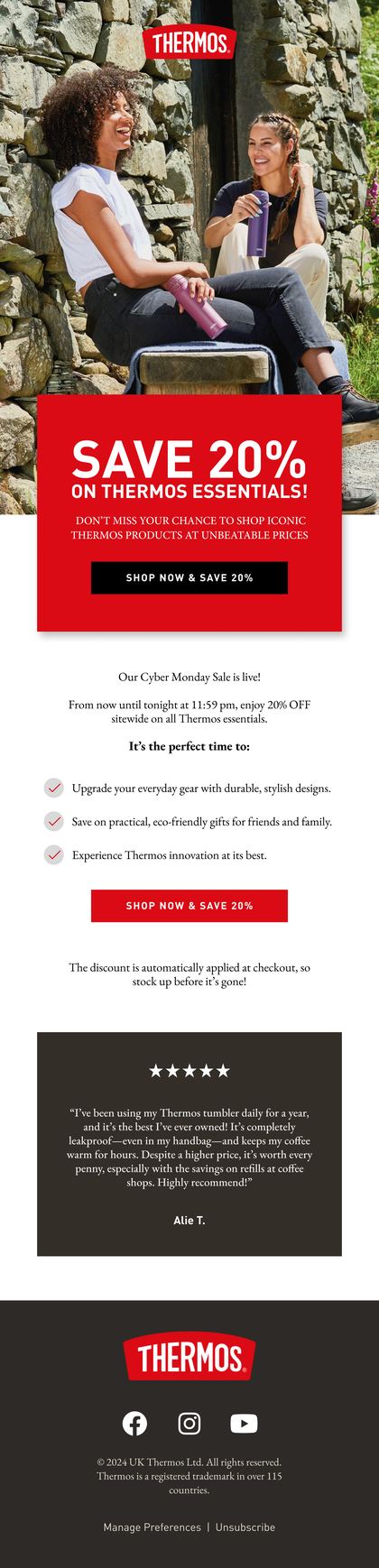
In most templates that first line is plumbing: a view in browser link, your navigation, the strip of small print above the logo. So the most valuable line in the inbox ends up advertising your menu.
Give the preview a different job from the subject line
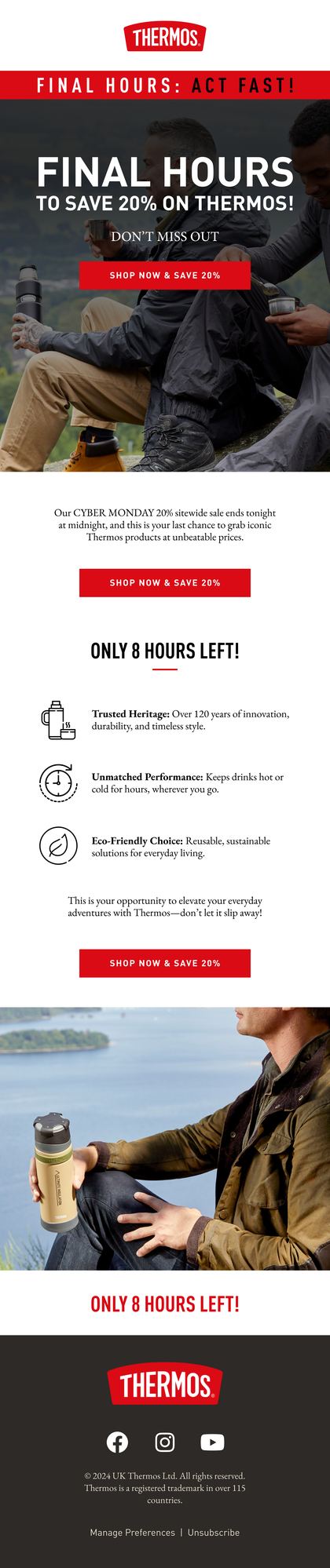
The subject names the thing. The preview gives the reason to care. If it repeats the subject, you've spent two lines saying one thing.
| If the subject line | The preview text |
|---|---|
| Names a product | Gives the one detail that sells it |
| States an offer | Gives the deadline or the catch |
| Asks a question | Answers it |
| Mentions a basket | Names what's still in it |
Keep the first few words complete on their own, because phones cut it short. We've written up how much of it survives on an iPhone, and it's less than you'd hope.
Setting preview text in Klaviyo, and the flow emails nobody rereads
Klaviyo gives every campaign a preview text field, and every flow email has one under its subject and sender settings. The field pads the end with invisible spacers for you, so stray body text doesn't creep in after your line.
Campaigns get written fresh every week, so their preview text tends to get a look. Flow emails were written once, maybe years ago, and they're still sending to every new customer today. Check those first.
- Every campaign and every flow email has its own preview text
- Somebody has read it on a phone, beside the subject, before it sends
- It never repeats the subject word for word
- It still makes sense if the phone cuts it after a few words
Related terms
FAQs
Is preview text the same as a preheader?
Mostly, yes. Both names cover the line an inbox shows under the subject. Some designers also call the visible strip of small print at the very top of an email a preheader, which is where the confusion starts. If that strip is the first text in your email and you haven't set preview text, it's what the inbox shows.
Why does my preview text say view in browser?
Because none was set on that email, so the inbox took the first text it found, and in most templates that's the view in browser link. Fill in the preview text field on that campaign or flow email, send yourself a test and look at it on your phone before it goes to anyone else.
Does preview text show up inside the email once it's opened?
Not unless your template is built to show it. The field fills the inbox line and stays out of sight in the opened email. Klaviyo does let a template print it in the body on purpose, and some do. If you can see it at the top of an opened email, that's the template's choice, so check there.
Rather we explained it on your own account?
Bring your Klaviyo account to a growth consultation. We'll walk through what this means for your numbers, in plain English, and what we'd fix first.


Half an hour with Theo, our founder.
We're all about relationships built on trust, mutual respect and a shared vision for success. If that sounds like your vibe, let's make some waves together 🌊